

Ubiquiti UniFi Installer NYC
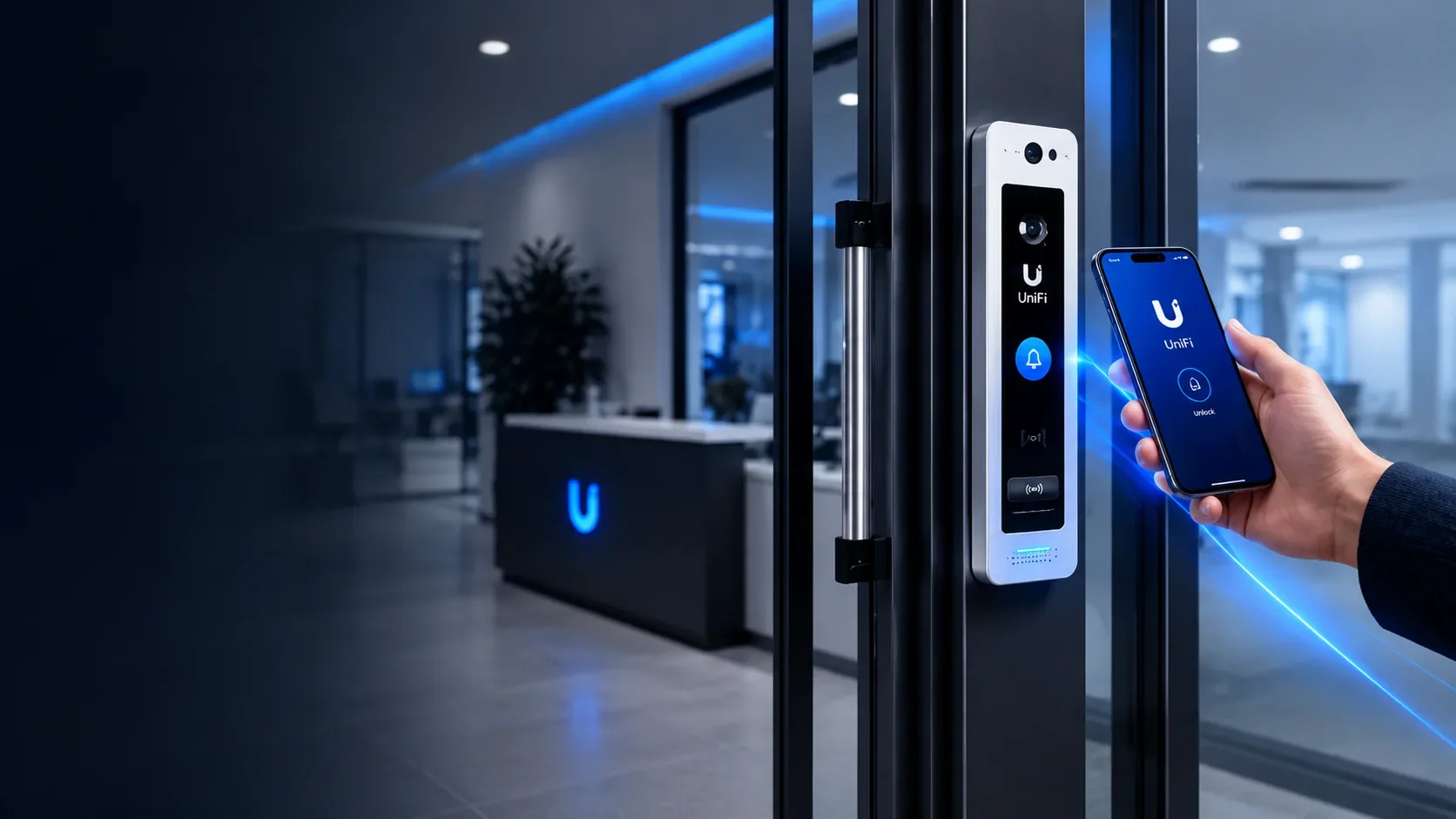
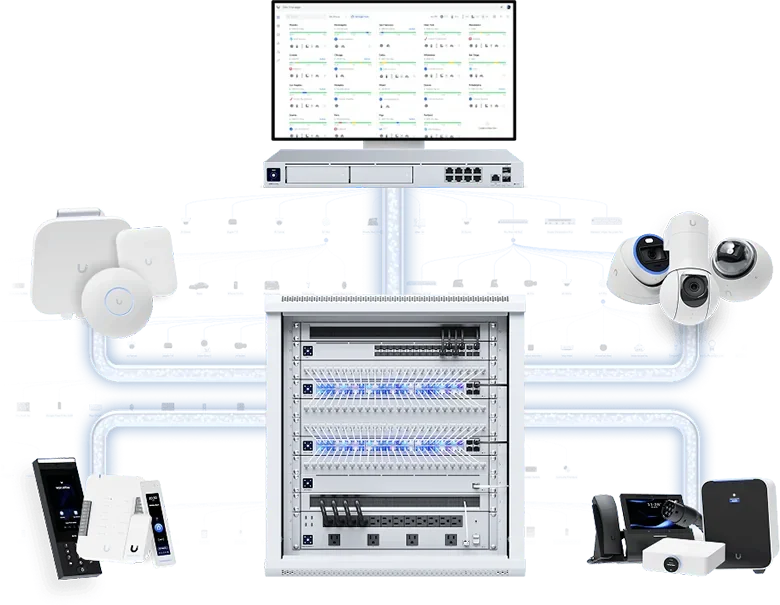
UniFi is one system for your building's cameras, door access, intercom and network, all managed from one app. Recording stays on a recorder in your building, and the core features carry no mandatory monthly fee.
Impera Security Systems designs and installs Ubiquiti UniFi systems for apartment buildings, offices, retail stores and mixed-use properties across Manhattan, Brooklyn and Queens. We plan the cabling, the recorder and the door hardware so the system works on day one and keeps working.
✓ Licensed & Insured
✓ UniFi Protect, Access & Network Specialists
✓ Residential & Commercial
✓ Serving Manhattan • Brooklyn • Queens
What We Install
Most buildings start with cameras or door access and add the rest later, on the same app.
UniFi Protect cameras
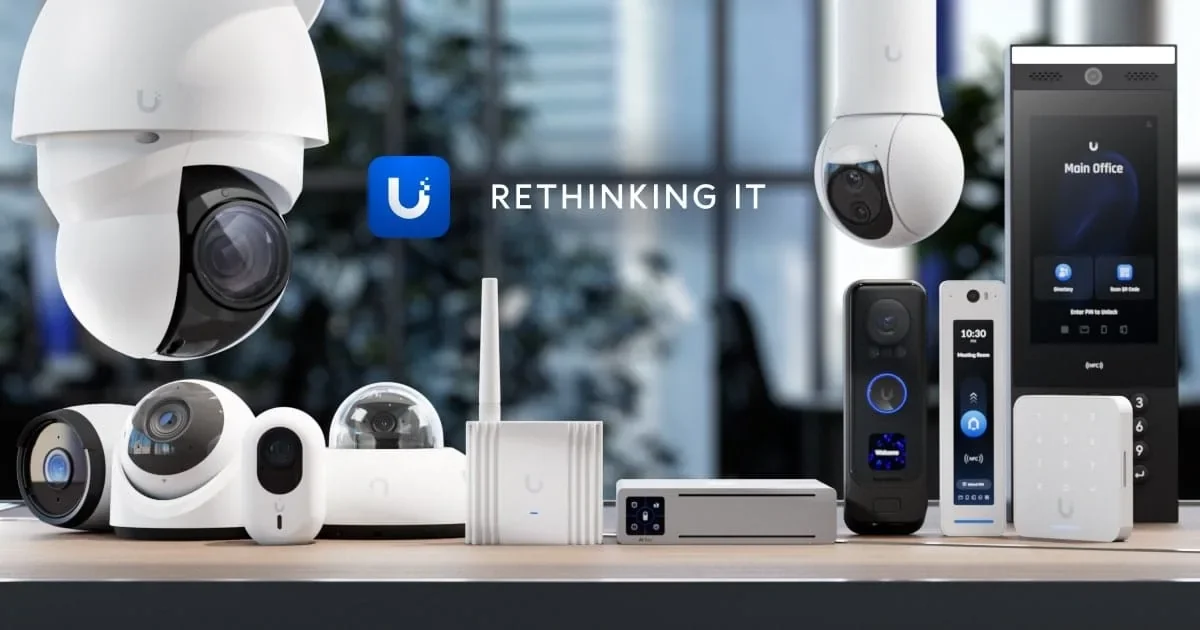
4K cameras for entrances, lobbies, hallways, elevators, storefronts and parking. Current models recognize people, vehicles and license plates. Footage records to a UniFi recorder on site, not to someone else's cloud, and you watch live or play back from the app.
UniFi Access door entry
Key fobs, cards, PIN codes and smartphone unlock at the front door, lobby, gym, package room or office suite. Add or remove a person in seconds, see who came in and when, and stop paying for lost keys and lock changes.
UniFi intercoms and video entry
The UniFi Intercom and G6 Entry units put a camera, a doorbell and a door reader in one device at the entrance. Visitors press the doorbell or pick a name from the directory. Residents or staff see and talk to them on an indoor viewer and unlock the door.
UniFi network
The gateway, switches and Wi-Fi that tie it together. We size the network for the cameras and door hardware, so video doesn't stall your building's internet.
UniFi equipment we commonly install
| Equipment | What it does | Where we use it |
|---|---|---|
| G6 Bullet / G6 Turret | 4K cameras with person, vehicle and license plate detection (plates on the Bullet) | Building exteriors, entrances, driveways, parking |
| G6 Dome / G6 Pro Dome | Ceiling-mounted 4K domes | Lobbies, hallways, elevators, retail floors |
| G6 180 | 16MP camera with a 180° view | Wide lobbies, storefronts, yards |
| G6 PTZ / AI PTZ | Pan-tilt-zoom cameras that follow activity | Large lots, plazas, warehouses |
| G4 Doorbell Pro | Video doorbell with a second camera for packages | Brownstones, townhouses, small offices |
| UNVR / UNVR Pro | On-site recorders with 4 or 7 drive bays, for up to 18 or 24 4K cameras | Multi-camera buildings |
| UniFi Intercom / G6 Pro Entry | Camera, doorbell, directory, fob, PIN and phone unlock in one unit | Main entrances, gates |
| UniFi Access readers | Fob, card and phone unlock; face unlock on Pro models | Interior doors, gyms, package rooms, office suites |
| Intercom Viewer | Indoor screen to see and talk to visitors and unlock the door | Front desk, super's office, apartments |
UniFi Access Control for NYC Buildings
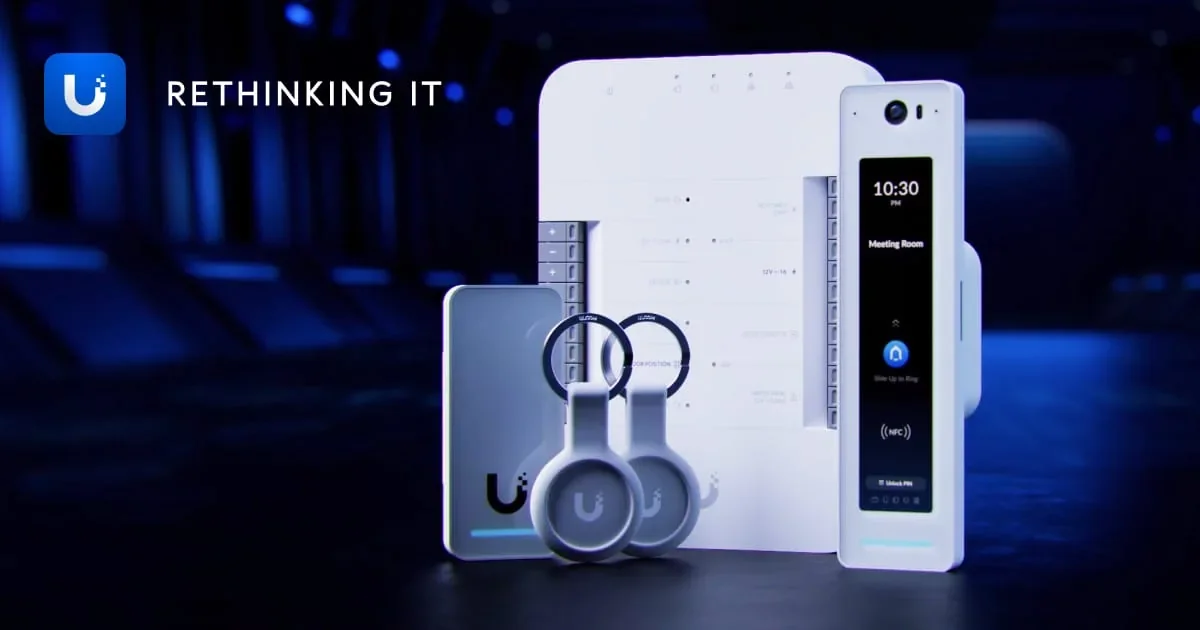
UniFi Access replaces keys and old keypads with fobs, cards, PIN codes and phone unlock, all managed from the same app as your cameras. When someone moves out or an employee leaves, you turn off their access in seconds instead of changing locks.
Available credentials depend on the reader model. We match readers to each door.
What you control
Who gets in, where and when. Set schedules by door and by group: residents 24/7, cleaners weekday mornings, the gym 6 a.m. to 11 p.m.
A log of every entry. See who opened which door and when, and export it if you need it.
Video tied to every door event. With UniFi Protect cameras, each entry links to the footage, so you see who actually walked in on someone's fob.
Remote unlock. Let in a contractor or a locked-out tenant from your phone.
Lockdown and unlock schedules. Keep a lobby door unlocked during business hours and locked after.
Where we install it
Apartment buildings and co-ops: front and vestibule doors, package rooms, gyms, roof decks, laundry rooms, garages and bike rooms
Offices: suite entrances, server and storage rooms, after-hours entry
Retail and restaurants: back doors, stock rooms, office doors
Mixed-use buildings: separate access for residential and commercial tenants on one system
Door hardware and code
Every access-controlled door needs the right lock hardware: an electric strike, a maglock or an electrified exit device. We install it with request-to-exit sensors and door position sensors, and tie it into the fire alarm where code requires, so people can always get out. If your doors already have reader wiring, UniFi's retrofit readers can sometimes reuse it.
See our main access control installation page for other systems we install, including Brivo and Avigilon Alta.
Ways to open the door
| Credential | How it works | Good for |
|---|---|---|
| Fobs and cards | Tap at the reader | Residents, staff, contractors |
| PIN code | Enter a code on the keypad | Deliveries, cleaners, temporary access |
| Phone app | Unlock from the UniFi app | Owners, managers, staff |
| Phone wallet (Touch Pass) | Tap the phone like a fob, no app open | Residents and employees who'd rather not carry a fob |
| Face unlock | Hands-free entry on supported readers | Offices, gyms, staff entrances |
Who UniFi Is Right For
Owners who don't want monthly fees. Recording, live view, smart detection and app access come with the hardware. Cloud backup and extended support are optional extras.
Offices, retail and small commercial buildings. One app runs cameras, doors and Wi-Fi across one location or several, which suits owners and IT staff who like to manage things themselves.
Apartment buildings adding cameras and fob entry together. UniFi works well for lobbies, hallways, package rooms and gyms, where you want the door log and the camera footage in the same place.
Properties with an existing network to build on. If the building already runs UniFi Wi-Fi or switches, adding cameras and door access is straightforward.
UniFi vs. the alternatives
| UniFi | ButterflyMX / Swiftlane | Comelit / Aiphone | |
|---|---|---|---|
| Best for | Cameras + door access on one app | Cloud video intercom for large apartment buildings | Intercoms that reuse old building wiring |
| Monthly fee | None required | Yes, per building | Usually none |
| Recording | On-site recorder | Cloud | Not a camera system |
| Needs network cabling | Yes | Yes | Often reuses existing wiring |
Upgrading From an Old Camera or Door System
Most UniFi projects we do in NYC replace something: a 10-year-old DVR with blurry analog cameras, a keypad that everyone knows the code to, or a fob system whose maker went out of business.
Old analog cameras and DVRs. UniFi cameras run on network cable, not the coax that older systems used. Where coax is already in the walls, we can sometimes use its cable paths, or adapters that carry network signal over coax. In most buildings, new network cable is the cleaner long-term choice, and we plan the runs to keep wall work to a minimum.
Newer IP cameras you want to keep. UniFi can work with many third-party ONVIF cameras, and the UniFi AI Port adds smart detection to them. We test what you have before recommending a replacement.
Existing door hardware. Strikes, maglocks and exit devices in good condition can often stay. We replace the readers and controller, re-terminate the wiring, and enroll your users.
Phased upgrades. Larger buildings don't have to do everything at once. A common path is the entrances and lobby first, then hallways and side doors, then interior doors, all on the same app.
Camera Placement and NYC Rules
Where a camera goes matters as much as which camera you buy. In residential buildings we cover common areas (entrances, lobbies, hallways, mailrooms, laundry rooms, elevators, garages) and never point into apartments or private spaces. We set up privacy masks where a camera's view reaches a window or neighboring property.
We also leave audio recording off in common areas unless there's a clear reason and proper notice. Recording conversations can raise legal issues that video alone doesn't. For more, see our guide to security camera laws for NYC property owners.
UniFi Installation Cost in NYC
In New York, labor, cabling and door hardware usually cost more than the UniFi equipment itself. The hardware is reasonably priced: current UniFi cameras list from about $129 to $299 each for G5 and G6 models, and recorders from about $199 to $499 before hard drives (US list prices, August 2026).
What drives the price of your project:
Number of cameras and doors. It's the biggest factor.
Cable runs. Finished walls, plaster, brick and long risers take more time than open ceilings.
Storage. More cameras and longer retention need bigger drives.
Door hardware. Reusing working strikes and locks costs less than new hardware and new power.
Network. Whether your building already has a gateway and switches that can power the cameras and readers.
Access to apartments and tenants' spaces. Common-area-only work is faster to schedule.
A 6–8 camera retail system typically runs from ($3500) to ($5500) installed.
Because there's no required monthly fee, the total cost over 5 years is often lower than with cloud camera or cloud intercom systems that charge per camera or per door. A complete installation that becomes part of the building can also qualify as a capital improvement, which exempts it from NY sales tax with Form ST-124. See our security system installation cost guide for more.
UniFi Repair and Service
Already have UniFi and something isn't right? We fix cameras that drop offline, recorders that stopped recording or ran out of space, readers that won't unlock, and systems set up years ago by someone who's no longer around. We also handle firmware updates, user cleanup, and adding cameras or doors.
Call (646) 450-8588 or Contact Us for UniFi installation or repair in Manhattan, Brooklyn, or Queens.
Recent UniFi Installations in NYC
Every installation is completed to the same standard - clean cable management, properly configured hardware, and reliable systems from day one.
Frequently Asked Questions
-
No fee is required. Recording, live view, smart detection and app access come with the hardware. Cloud backup and extended warranty plans are optional.
-
On a UniFi recorder or console installed in your building. You can add optional backup to a cloud drive or a network storage device.
-
For many buildings, yes. The UniFi Intercom and G6 Entry handle doorbell calls, video and door release at the entrance. Buildings that need a monitor in every apartment over old intercom wiring are usually better served by Comelit or Aiphone. We'll tell you which fits after the assessment.
-
Yes. UniFi Access supports smartphone unlock alongside fobs, cards and PIN codes. We set up who can open which doors, and when.
-
Yes. We add cameras, doors and recorder storage to existing UniFi systems, and we fix systems that were set up poorly.
-
Yes, in all three boroughs, for residential and commercial properties.
Get a Free UniFi Assessment
Tell us about your property and what you want to cover. We'll walk the site and send a written proposal.
CALL
BOOK ONLINE
SERVICE AREA
Manhattan • Brooklyn • Queens